Choose the time you have.
Reading sessions offer 5, 10 and 20-minute workloads. Optional word preparation introduces vocabulary from the passage, with a smaller allowance when review needs are higher.
 chibostudio
Daily Solve / JLPT N2 preview
Japanese practice with a clear task in front of you. Work through a passage, find the meaning you missed and return to words that need another look.
English menus and explanations. Japanese learning material.
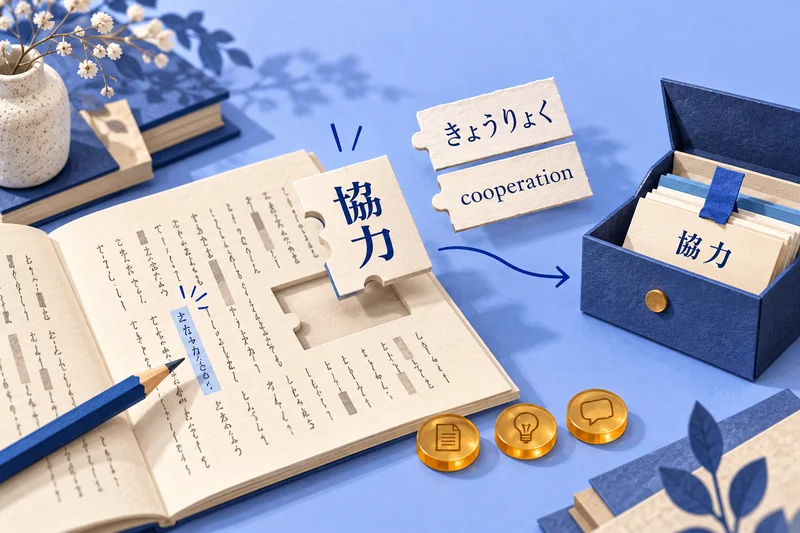
One passage. More ways to learn.
Prepare a little. Read carefully.
Check your reasoning.
Reading sessions offer 5, 10 and 20-minute workloads. Optional word preparation introduces vocabulary from the passage, with a smaller allowance when review needs are higher.
Tap a word for its learning options. A hint reveals its hiragana reading and meaning together. The challenge has three hint lives; saving is free and reopening the same revealed help costs no extra life.
Save words and their kanji separately. Review them in context, and try the saved-kanji reading sample. The current sample adapts authored material; it is not a live story generator.
Original reading lessons include English explanations, reasons for each answer choice and grammar notes. Longer sessions add written recall and a fresh passage to try.
A different kind of study break
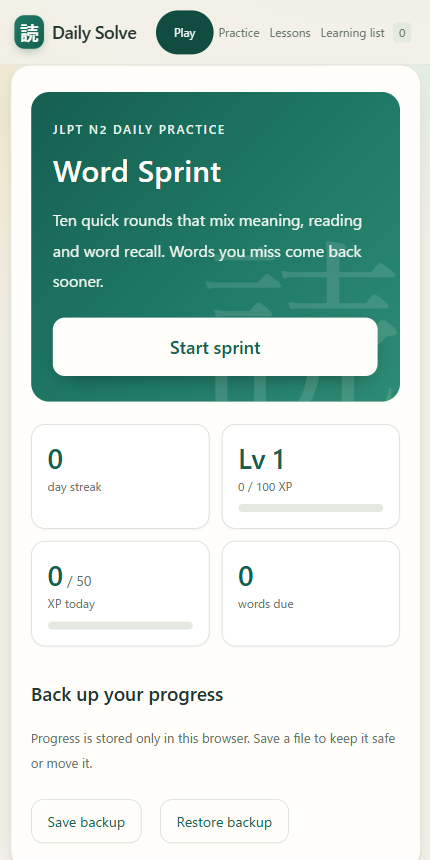
Word Sprint mixes meaning, hiragana reading and word recall across ten quick rounds. Missed words return sooner through review. It is another way to practise, alongside the reading lessons.
Try Word SprintMeaning. Reading. Recall.
A few useful details
This app focuses on N2-oriented practice. If kana and basic vocabulary are still new, Japanese Everyday is a more suitable starting point.
The original starter lessons are informed by official N2 task formats, but are not official or endorsed questions. The starter bank is not a complete N2 syllabus or a full-length mock exam. Educator review is pending.
You can still save language to your learning list and move to explanation and correction. Mistakes do not spend lives. Preparation and supported feedback provide free help.
Progress stays in the browser you use. Open the Play tab to save a backup, then restore that file in your other browser. There is no automatic cross-device sync.
Building the basics? Try Japanese Everyday. Want to practise through play? Explore Lantern Alley.